The Google Sheets limits can make it a challenge to work with big data. Google Sheets has a 10 million cell limit and related maximum row, column, and file size limits.
In this post, we'll review the Google Sheets limits and offer solutions. The easiest solution is to use a more powerful spreadsheet like Row Zero, which is built for much bigger data than Google Sheets. Try Row Zero for free or continue on for more solutions to Google Sheets limits.
Google Sheets limits
Google Sheets has a fundamental limit of 10 million cells in the spreadsheet, including blank cells and sheets. However, Google Sheets can slow down or crash before this limit, so the practical limits can be lower. Here's a breakdown of the Google Sheets data limits:
- Google Sheets cell limit - 10 million cells per spreadsheet
- Google Sheets row limit - 10 million rows with 1 column in theory, but the actual max rows is typically much lower. Over 100,000 rows, Google Sheets may slow down or crash.
- Google Sheets column limit - 18,268 columns (ZZZ)
- Google Sheets file size limit - Google does not list an official file size limit for Google Sheets, but in practice, the import limit is ~100 MB, and in all scenarios there is a hard limit of 10 million cells in a workbook, including all blank cells in all sheets.
- Connected Sheets limits - You can access BigQuery data in Google Sheets using Connected Sheets, but you can only pull a maximum of 500,000 rows or 10MB of data.
- Limits connecting to other data sources - Similarly, there may be stricter limits when connecting to data sources. For example, the Salesforce connector for Google Sheets has a 2,000 row limit.
- Character limit per cell - 50,000 characters. Excess characters are truncated
- Sheets per spreadsheet - No hard limit but performance may degrade with dozens or hundreds of sheets
- Cells with formulas - No hard limit, but performance may degrade with 10K+ cells with formulas
- File format limits - Google Sheets natively can import CSV, TSV, TXT, XLSX, and ODS files. You cannot directly import Parquet, JSONL, JSON, XML, or compressed .gz files.
In addition to these application limits, Google Sheets may be limited by your computer's memory and processor speed since it relies on your computer's RAM and CPU to render the spreadsheet, calculate formulas, and respond to user actions.
Google Sheets limits vs top 5 spreadsheets
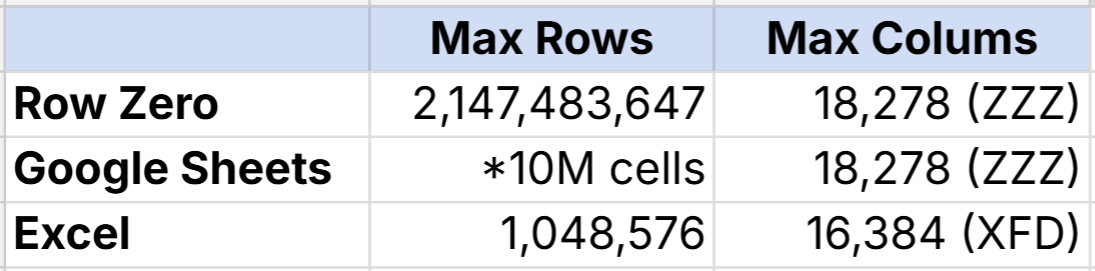
Here's how Google Sheets limits compare to other spreadsheet limits:
Maximum rows:
- Row Zero: 2,147,483,647 rows
- Google Sheets: 10,000,000 cells (actual row limit typically much lower)
- Microsoft Excel: 1,048,576 rows
- Calc (LibreOffice): 1,048,576 rows
- Apple Numbers: 1,000,000 rows
Maximum columns:
- Row Zero: 18,268 (ZZZ)
- Google Sheets: 18,268 (ZZZ)
- Microsoft Excel: 16,384 (XFD)
- Calc (LibreOffice): 1,024 (AMJ)
- Apple Numbers: 1,000 (ALL)
Tips for maximizing Google Sheets limits
While Google Sheets' 10 million cell limit is a strict limit, there are some things you can do to optimize your spreadsheet within these limits:
- Delete blank cells and unused sheets - Each blank cell in each sheet counts towards the 10 million cell limit. Each new sheet is 1000 rows and 26 columns by default (26,000 cells). Delete unnecessary cells and sheets to significantly reduce your Google Sheets file size.
- Split data into multiple Google Sheets - While generally not good practice from a data governance standpoint, you can split Google Sheets into multiple files to get under the 10 million row limit or to speed up your spreadsheet.
- Import a subset of data - If using Connected Sheets connected to BigQuery, you can import a subset of your larger dataset as long as it is under 500,000 rows and/or 10M cells.
- Simplify as much as possible - When working with big data, your Google Sheet may slow down or crash before hitting the 10 million cell limit, especially with heavy usage of formulas, formatting, pivot tables, or charts. To speed up your Google Sheet, try removing non-critical formatting and visuals and convert formula cells to values with copy, paste values.
If you are still experiencing performance issues, your best bet is likely to switch to a more powerful spreadsheet like Row Zero which is a Google Sheets alternative for big data.
Best Google Sheets alternative for big data
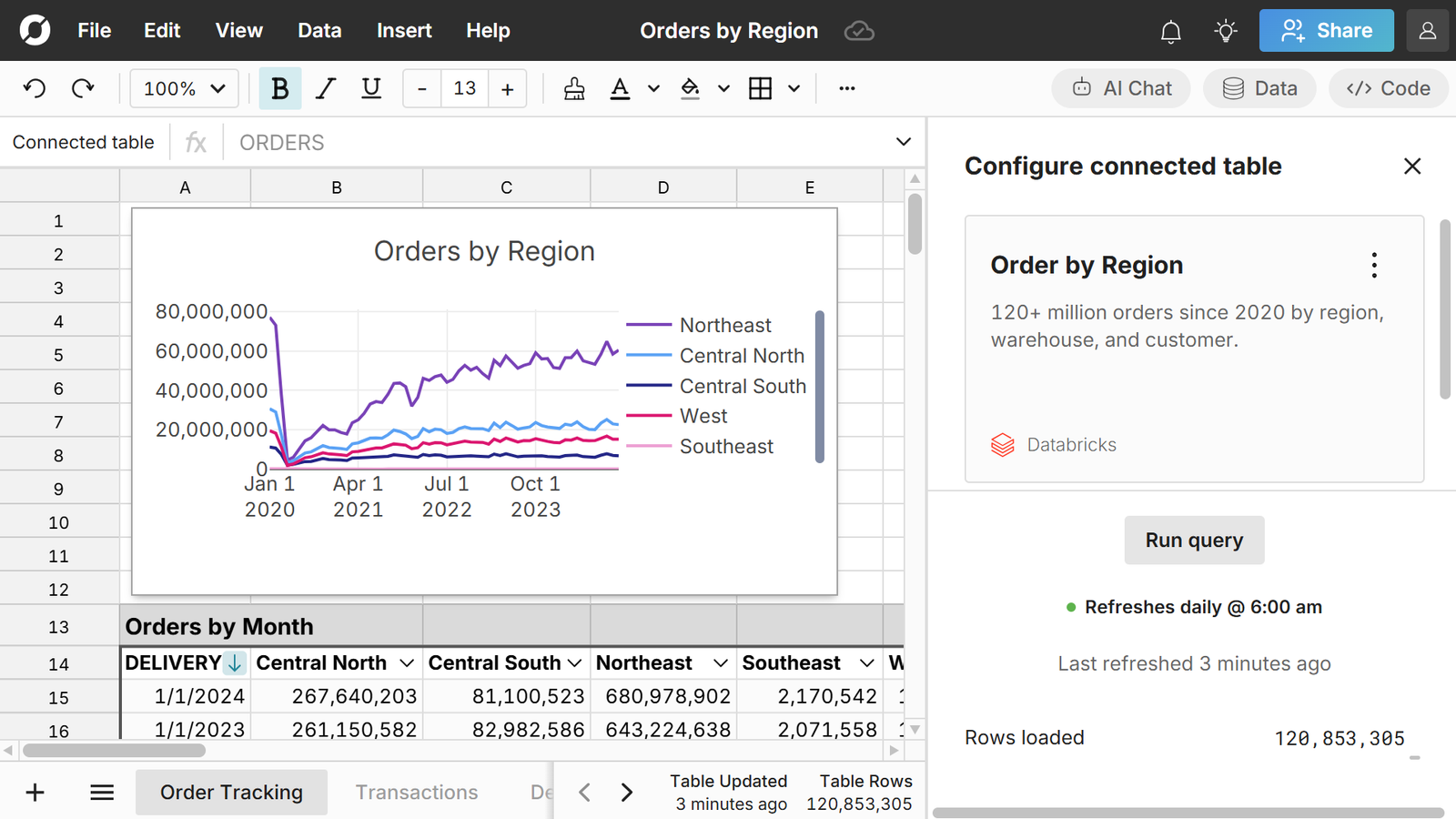
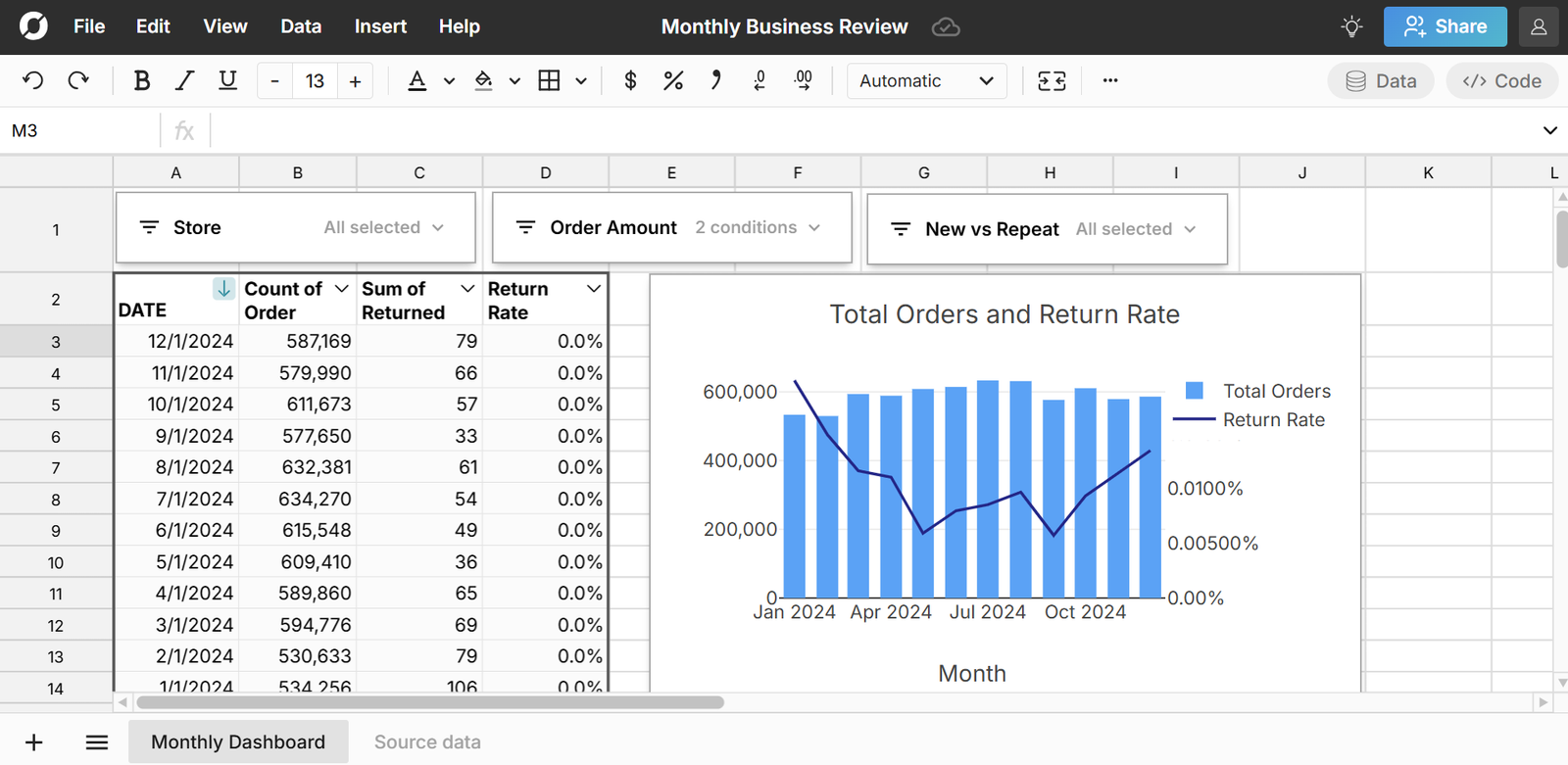
Row Zero is an enterprise-grade spreadsheet designed for big data. Row Zero works like Google Sheets and Excel, but supports billion row spreadsheets (1000x Excel's limit) on Enterprise plans and millions of rows on a free plan. Row Zero has built-in data connectors that make it easy to build auto-updating connected spreadsheets on big, dynamic data.
How Row Zero solves Google Sheets limitations
- Data limits - Row Zero is specifically built for big data and supports much larger spreadsheets than Google Sheets. If your file is too big for Google Sheets or Google Sheets is crashing, you can open your file in Row Zero and easily work with big data in a spreadsheet.
- Connected sheets limits - Row Zero has built-in data connectors to popular data sources that make it easy to import millions of rows of data in seconds. Everything built on connected data stays in sync and auto updates including pivot tables, charts, formula functions, etc. and you can write-back to your data source. Built-in connectors include Snowflake, Databricks, Redshift, BigQuery, Postgres, and S3.
- File import limits - While Google Sheets is limited to CSV, TSV, TXT, and XLSX files under ~100 MB, Row Zero can import a much wider range of file formats and easily imports files too big for Google Sheets. You can import Parquet, JSONL, and .gz files. and can easily open big CSV files, TXT files, and XLSX files too big for Google Sheets.
Compare Row Zero vs Excel vs Google Sheets.
Conclusion
Spreadsheets play a key role in self-serve analytics, but it can be a challenge to work with big data in Google Sheets and Excel. Google Sheets limits compared to Excel are similar, but generally Excel can handle more data than Google Sheets. Google Sheets has a 10 million cell limit. The last time Google Sheets increased the data limit was 2022 when it doubled from 5 to 10 million cells. Theoretically, the Google Sheets max row is 10 million rows with 1 column, but in practice Google Sheets may struggle with more than 100,000 rows. The Excel row limit is 1,048,576 rows. Some solutions to the Google Sheets limits include deleting blank cells, splitting into multiple files, and reducing formula usage, formatting, pivot tables, and charts. Ultimately, if you want to work with big data in a spreadsheet, use Row Zero. Row Zero is an enterprise-grade spreadsheet built for big data, connectivity, and security. Row Zero supports much bigger spreadsheets than Google Sheets and connects directly to your database or data warehouse to create auto-updating connected sheets.
Frequently Asked Questions
The Google Sheets max row is technically 10 million. Google Sheets has a max cell limit of 10 million cells, so it is theoretically possible to have one sheet with 10 million rows and 1 column, but in practice Google sheets may slow down and crash when you have hundreds of thousands of rows.
No, you cannot go above the 10 million cell limit in Google Sheets. It is a strict limit and the application won't accept more data than 10 million cells.
Yes the Google Sheets 10 million cell limit includes blank cells and blank sheets.
Each new sheet in a Google Sheet has 1000 rows and columns A through Z for a total of 26,000 cells by default.
The Google Sheets max column is ZZZ, so the column limit is 18,268 columns.
The Excel max row is 1,048,576. Beyond this limit, data is truncated.
Excel for the web limits workbook file size to 100MB.
The last time Google Sheets increased the cell limit was 2022, when the maximum cells increased from 5 million cells to the current limit of 10 million cells.
You have two options: 1) only import a subset of your data under 10 million cells into Google Sheets or 2) use a more powerful spreadsheet like Row Zero that supports data bigger than the Google Sheets limits.
Comparing Excel vs Google Sheets limits, Excel can typically handle more data than Google Sheets. However, neither are designed to work with big data. If you need a spreadsheet with more than 1 million rows, your best choice is Row Zero, which is a powerful spreadsheet designed for big data that can open files too big for Google Sheets or Excel.