

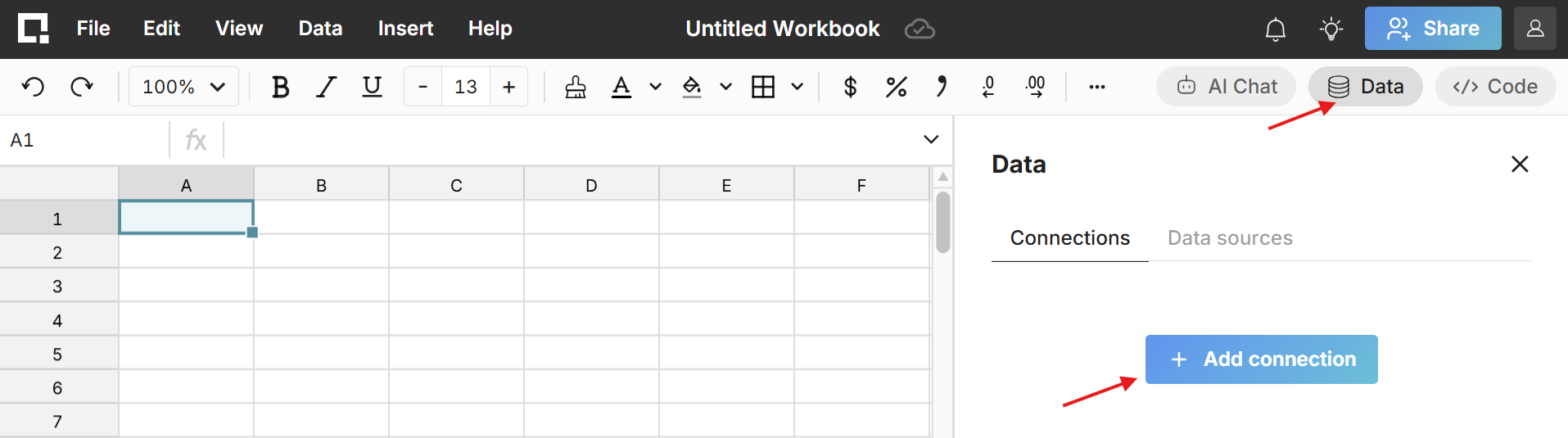
Row Zero’s built-in Teradata connector makes it easy to connect your spreadsheets to Teradata. To get started, click the Data icon in the top right of any workbook and click Add connection. View detailed instructions in our Teradata documentation.
Row Zero has been acquired by Databricks.

Row Zero's built-in Teradata connector makes it easy to securely connect your spreadsheets to Teradata. Row Zero works like Excel but supports 1000x bigger data so you can easily import and analyze massive datasets.
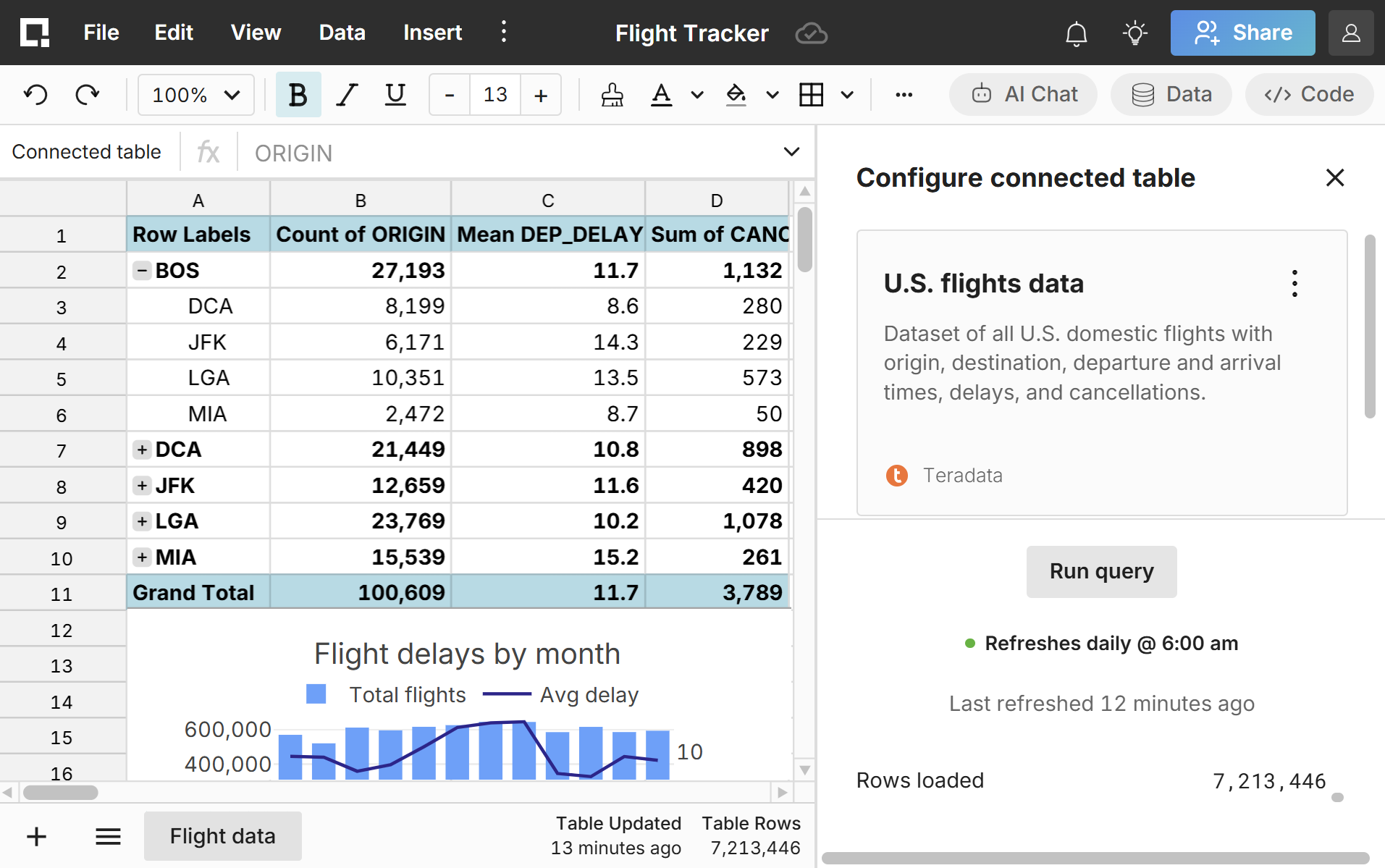
Row Zero is a modern alternative to Excel for Teradata. Build connected Teradata spreadsheets that auto-update and write-back to Teradata directly from your spreadsheet.
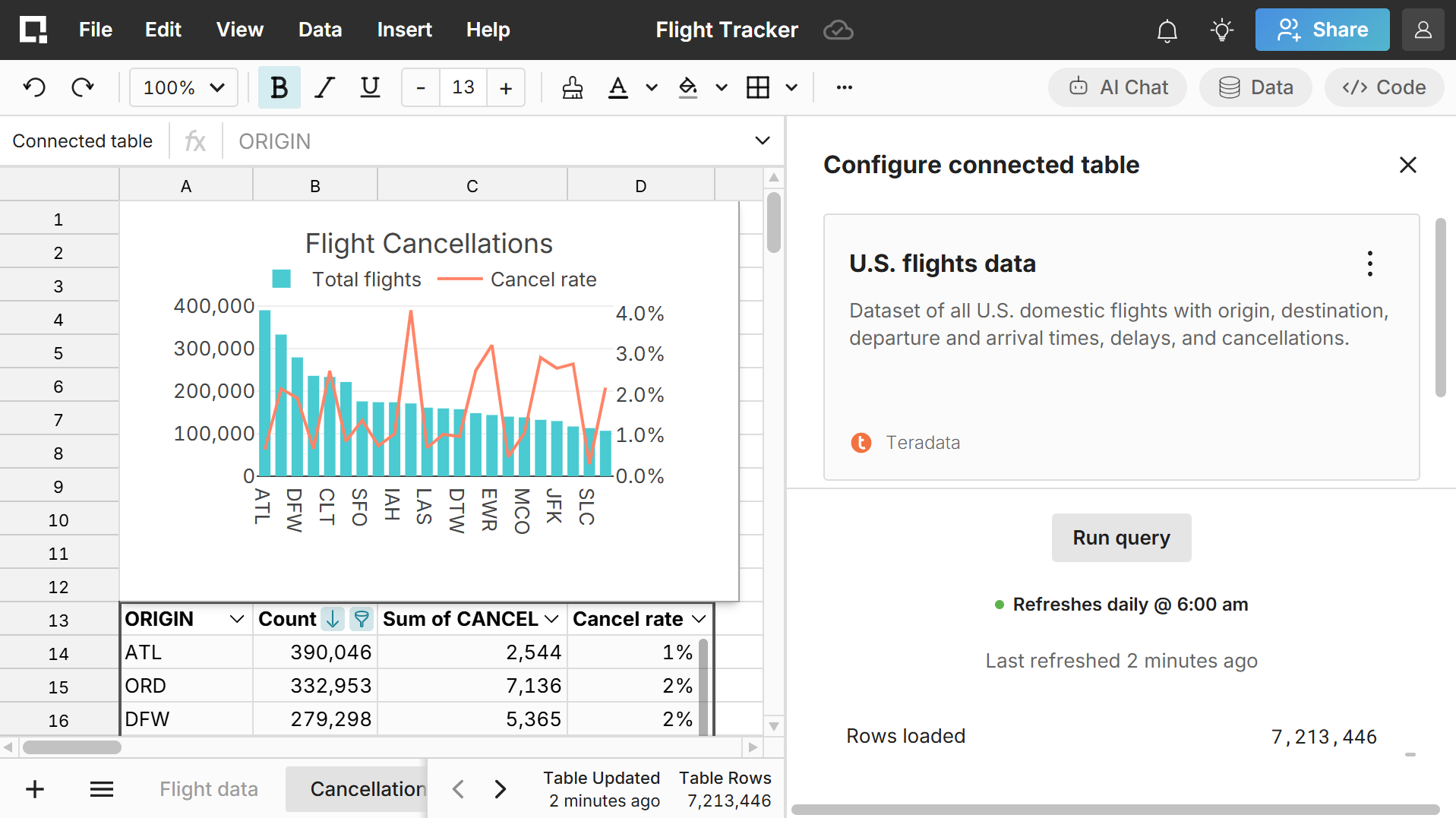
Row Zero supports datasets 1000x bigger than Excel's limits. Easily analyze massive Teradata datasets with spreadsheet functions and features. You can also analyze Teradata with AI chat directly in the spreadsheet.
Explore the world's most powerful spreadsheet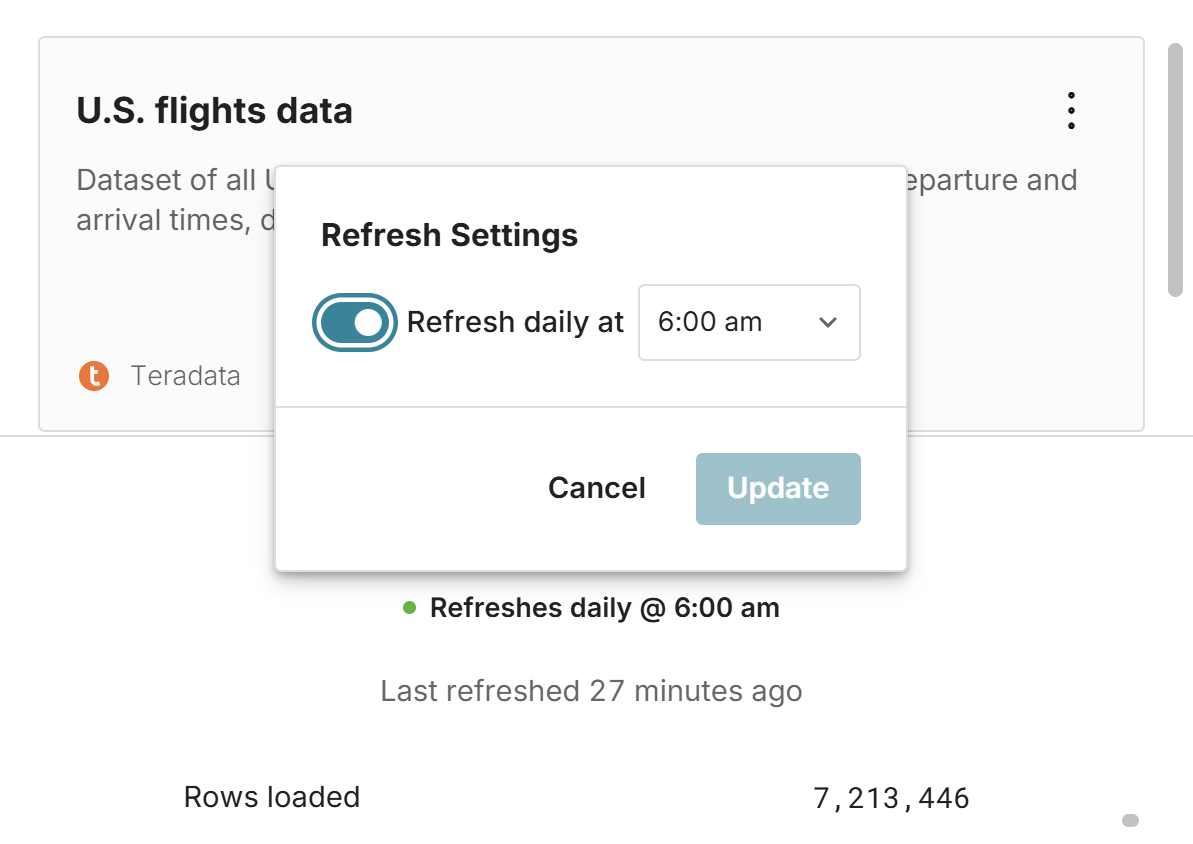
Easily build Teradata connected spreadsheets that auto-update. You can directly query Teradata from spreadsheets or create one-click data sources for non-technical users. You can also write back spreadsheet data to Teradata.
Explore connected spreadsheets
Row Zero spreadsheets work like Excel and Google Sheets. Teams can use the same functions, features, and keyboard shortcuts they already know to analyze massive data from Teradata in a spreadsheet.
Compare vs Excel
Connected Teradata data is only accessible to authorized users on secure company logins via SSO. Enterprises can restrict data export so data never leaves the cloud. Row Zero is SOC 2 Type II certified and HIPAA and GDPR compliant.
Explore enterprise security featuresRow Zero’s built-in Teradata connector makes it easy to connect your spreadsheets to Teradata. To get started, click the Data icon in the top right of any workbook and click Add connection. View detailed instructions in our Teradata documentation.
Get started with Row Zero