Webinar: How Enterprise Teams Are Replacing SAP BusinessObjects With a Connected Spreadsheet

Product releases

Explore the latest updates from Row Zero.

Upcoming features

Aggregations and filters for data sources

Drop-down filters for any column in a data source, allowing users to filter beyond predefined query variables. Users will also be able to aggregate data by selecting a column and choosing functions like sum or average.

Scheduled email reports

Generate scheduled email reports from Row Zero workbooks.

Granular writeback

Support for input table use cases, including saved write back configurations and UPDATE/UPSERT operations.

08.04.2026
08.03.2026

Named ranges

Named ranges make formulas easier to read, write, and maintain.

Instead of referencing cells directly (e.g. A2:A100), you can assign a descriptive name to a range (e.g. Order_number or Order_revenue) and use that name anywhere in your workbook. Named ranges automatically point to the correct cells, making formulas easier to understand and reducing errors as your workbook evolves.

To create a named range, select the cells you want to name and give the range a descriptive name in the name box in the upper left corner. You can view, edit, and manage all of your named ranges from the Named Ranges sidebar.

07.31.2026

Google Slides add-on

Use Row Zero’s new Google Slides add-on to insert Row Zero charts and tables directly into your presentations, and then keep them synced with your Row Zero workbook in a single click.

When your data changes, refresh an individual chart or table, or update all linked objects in your presentation at once. No re-exporting, no copying and pasting screenshots, and no wondering which slide has the latest numbers.

Install the Row Zero add-on to get started, or read our documentation to learn more.

07.29.2026

Convert data sources to editable tables

You can now convert a data source-backed table into an editable table. This detaches the table from its data source while preserving its SQL or query builder configuration, giving you an editable starting point.

This makes updating an existing data source much easier: insert it into any workbook, convert it to an editable table, modify and test the query, then republish your changes to the same data source.

You can also use data sources as reusable starting points for new queries. If you frequently begin with the same base query and make a few small changes, save the base query as a data source and convert it whenever you need a customized version.

Note: Converting a table removes its scheduled refresh and column selection settings. You must have access to both the data source and its backing connection to convert it.

07.24.2026

Databricks available as an AI Provider in Row Zero

Enterprise customers can now select Databricks as their AI Provider in Row Zero. Row Zero uses a dedicated Databricks service principal and OAuth machine-to-machine (M2M) credentials to send AI inference requests through Databricks Unity AI Gateway.

Learn how to configure your AI Provider here.

07.21.2026

Checkbox filters in query builder

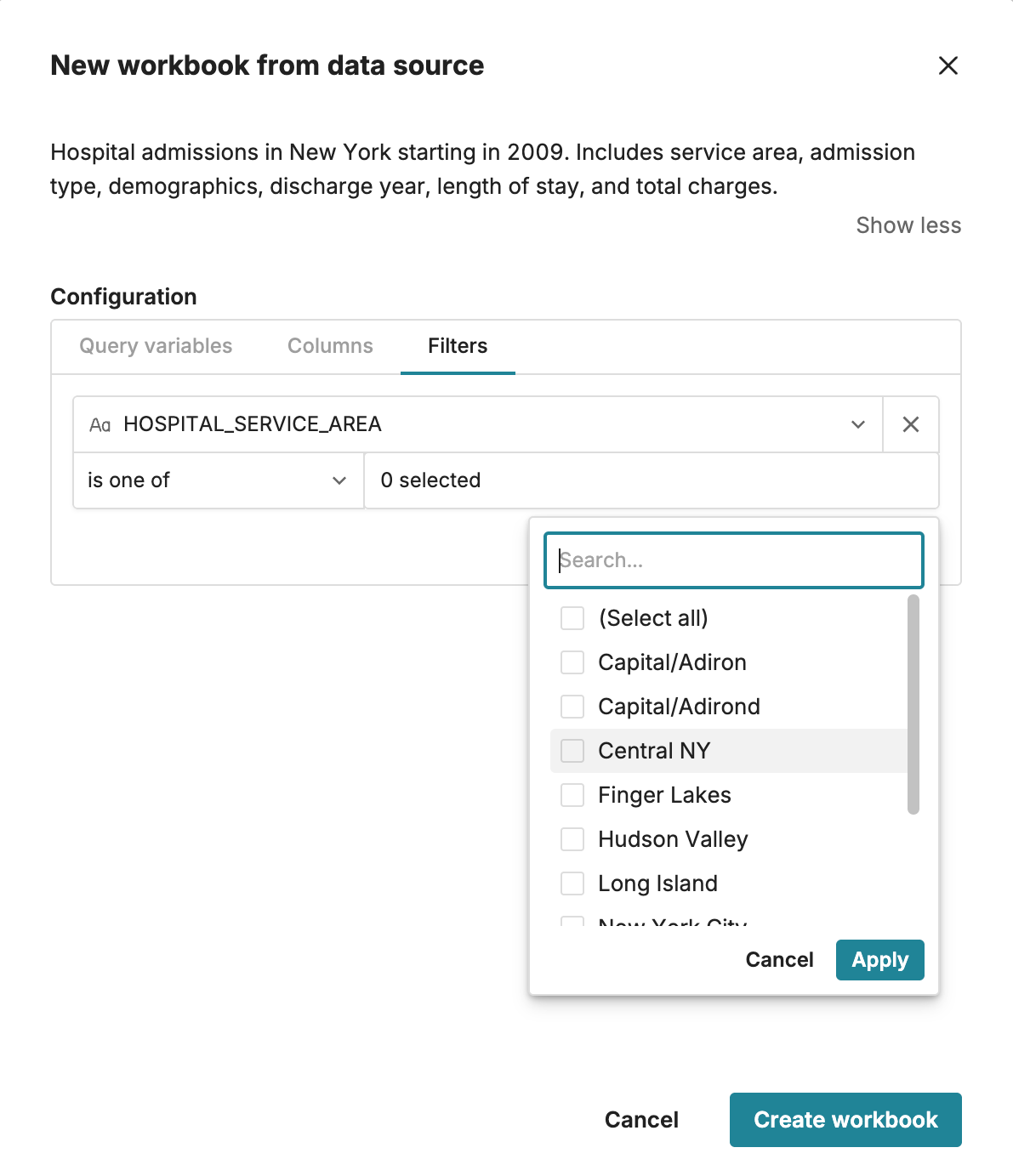
Query builder now supports checkbox filters for columns with numeric or text values. Instead of typing filter values manually, you can select one or more values from a searchable list populated from your data. To add a filter, drag the column you’d like to filter into the Filters section, choose “is one of”, and then check the values you want to include. This makes it faster and easier to build filters while reducing typos and invalid values.

07.20.2026

Replace all

Row Zero now supports Replace all, which makes it easy to find and replace values in bulk.

find and replace all in row zero

To use Replace all:

  • Press Ctrl+H on your keyboard, or
  • Use the menu: Edit → Find and replace.

You can search across the entire sheet or limit the search to a selected range before opening the dialog.

07.13.2026

New pivot table options

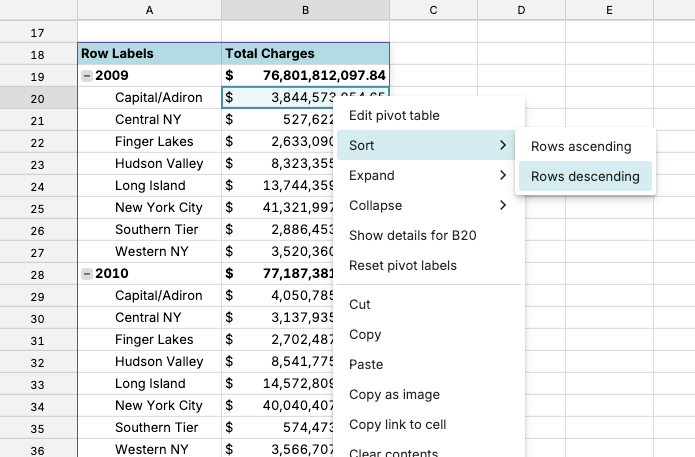
Row Zero now supports additional pivot table options, including a new tabular layout, configurable subtotals and grand totals, and the ability to build pivot tables from all source rows, regardless of filters.

  • Tabular mode is designed for detailed tables. It displays each row field in a separate column, making it easier to view and analyze detailed data.
  • In both Compact and Tabular modes, you can choose whether to show subtotals and where they appear (top or bottom). You can also choose to show grand totals for rows, columns, both, or neither.
  • Finally, you can now build pivot tables from all source rows, even when the source table is filtered. This lets you filter a source table without impacting downstream pivot tables.
Tabular pivot table mode in Row Zero
07.06.2026

New scheduled refresh options

Scheduled refreshes for connected tables are now more flexible. Enterprise customers can schedule refreshes to run daily or weekly, select multiple days of the week, and configure multiple refresh times.

scheduled refresh options for Row Zero

06.19.2026

Query builder

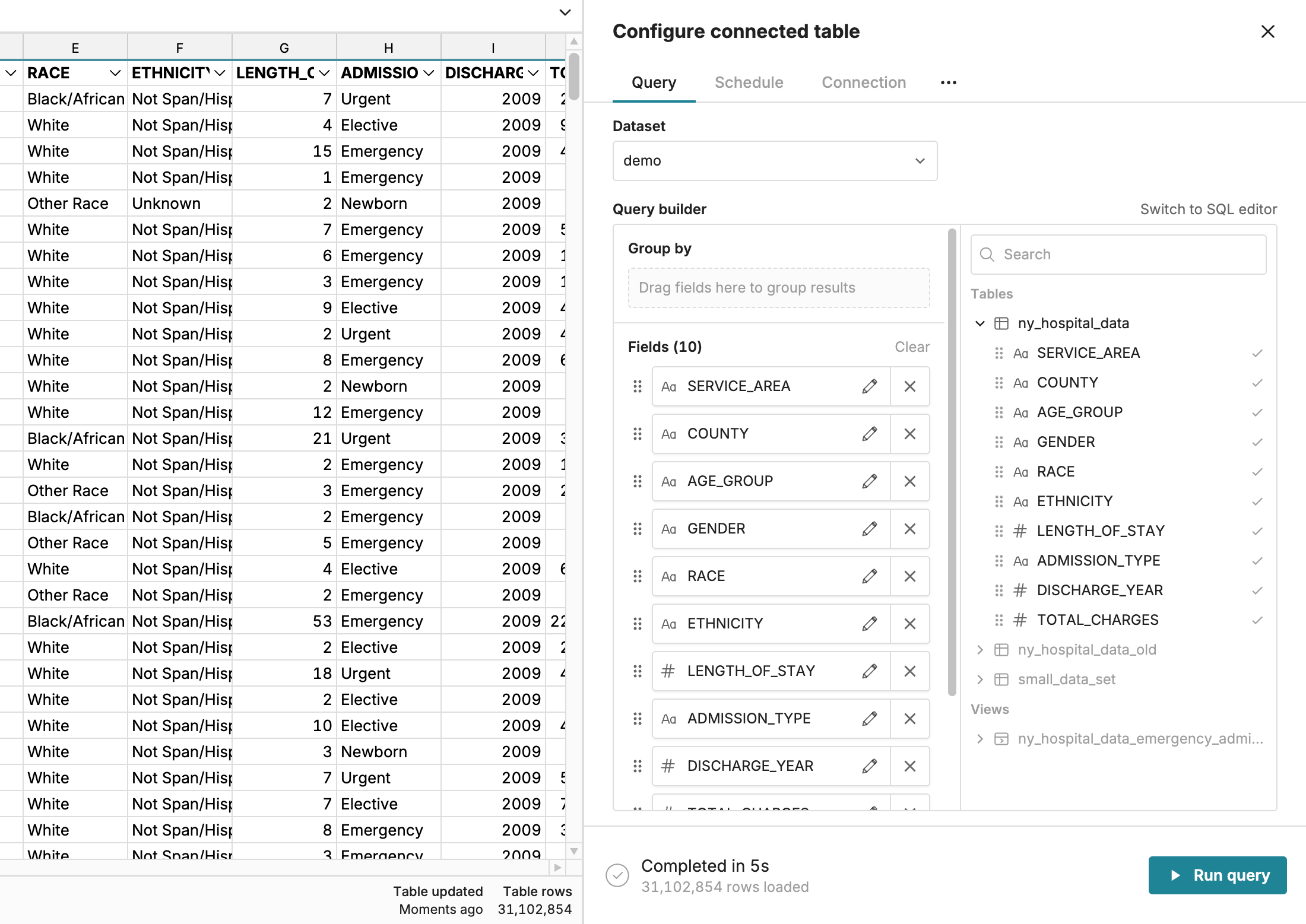
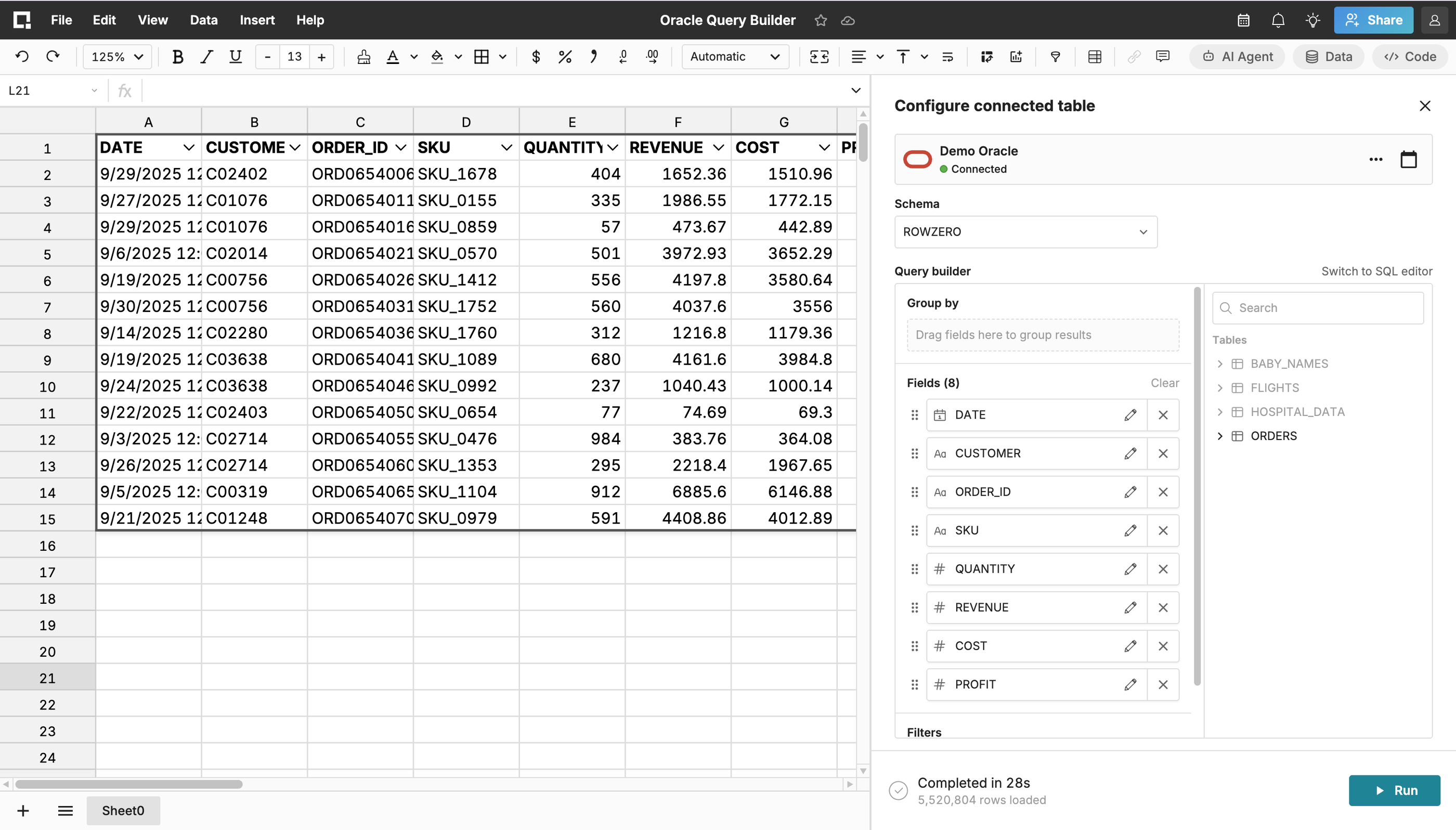
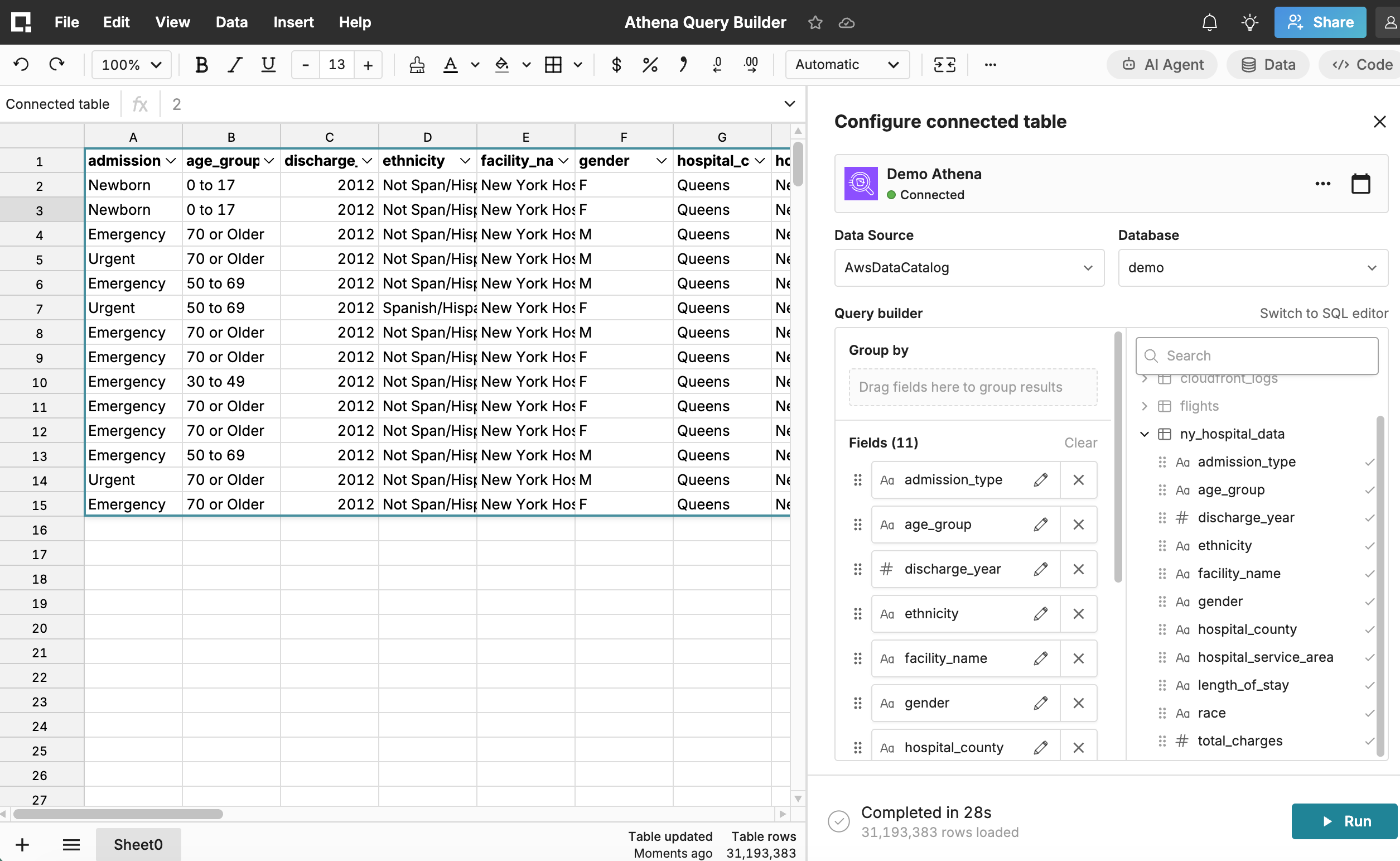
Use the new point-and-click query builder to import data without writing SQL. For supported connections, you can browse tables, views, and fields directly in Row Zero, then drag fields into sections to shape the output. Query builder is currently available for:

  • Databricks (including metric views)
  • Postgres
  • Redshift
  • Snowflake (including semantic views)

To try it, click Insert > Connected table, select an existing connection, then choose query builder when prompted. You can switch between query builder and SQL modes at any time using the Switch to SQL editor or Switch to query builder toggle in the top-right of the connected table sidebar.

Get started with Row Zero

Ready to upgrade your spreadsheets?