



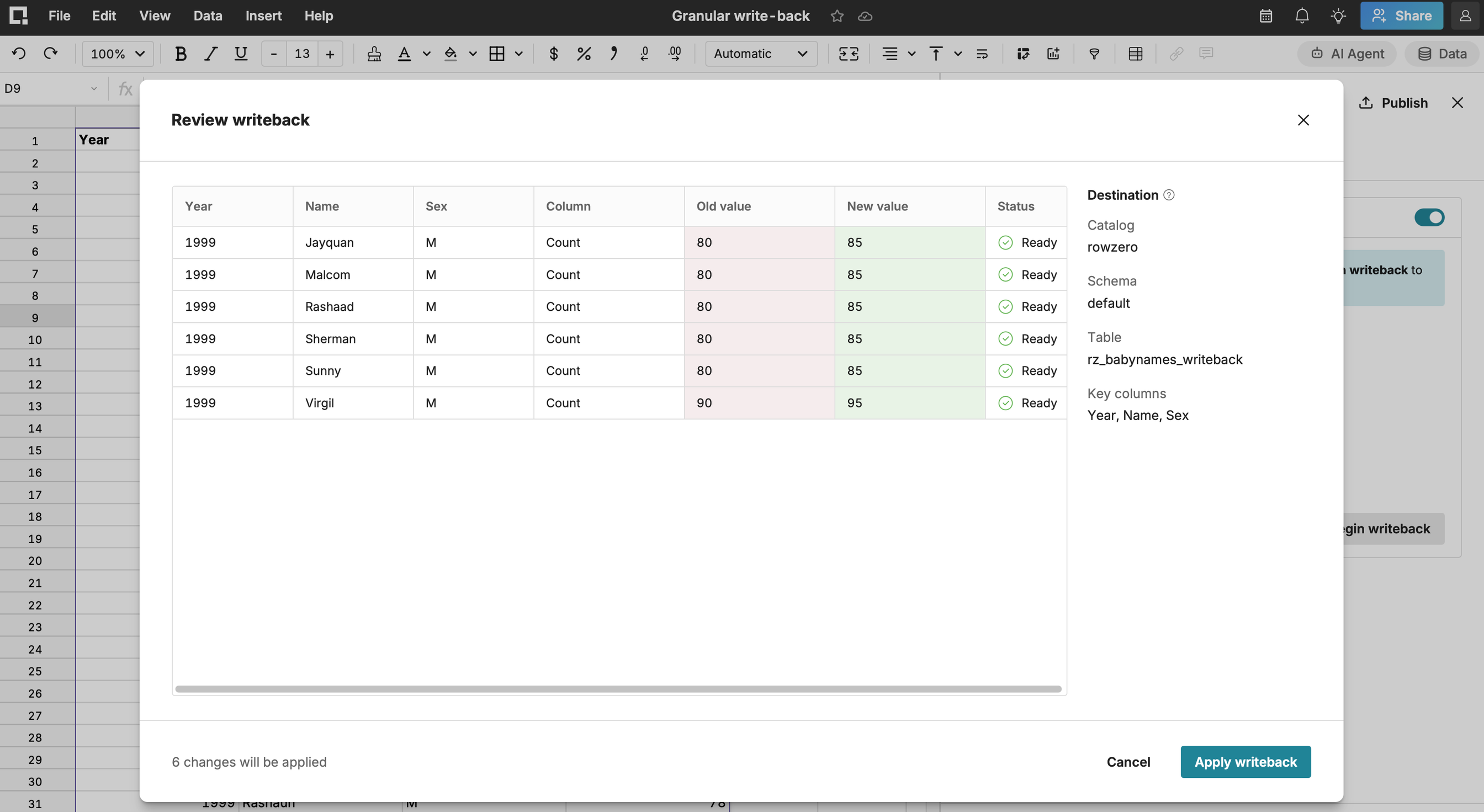


Granular and full table writeback turns a connected spreadsheet into a governed editing surface for your warehouse. Row Zero tracks every value you change, shows you exactly which rows will be updated, and writes only those rows back to the existing table. Your table structure, permissions, and policies stay exactly as they are.
How it works
From warehouse table to updated record in four steps
- Connect a table. Choose Insert > connected table, then pick your connection, database, schema, table and enable writeback. Row Zero imports the data and sets the table's key columns automatically.
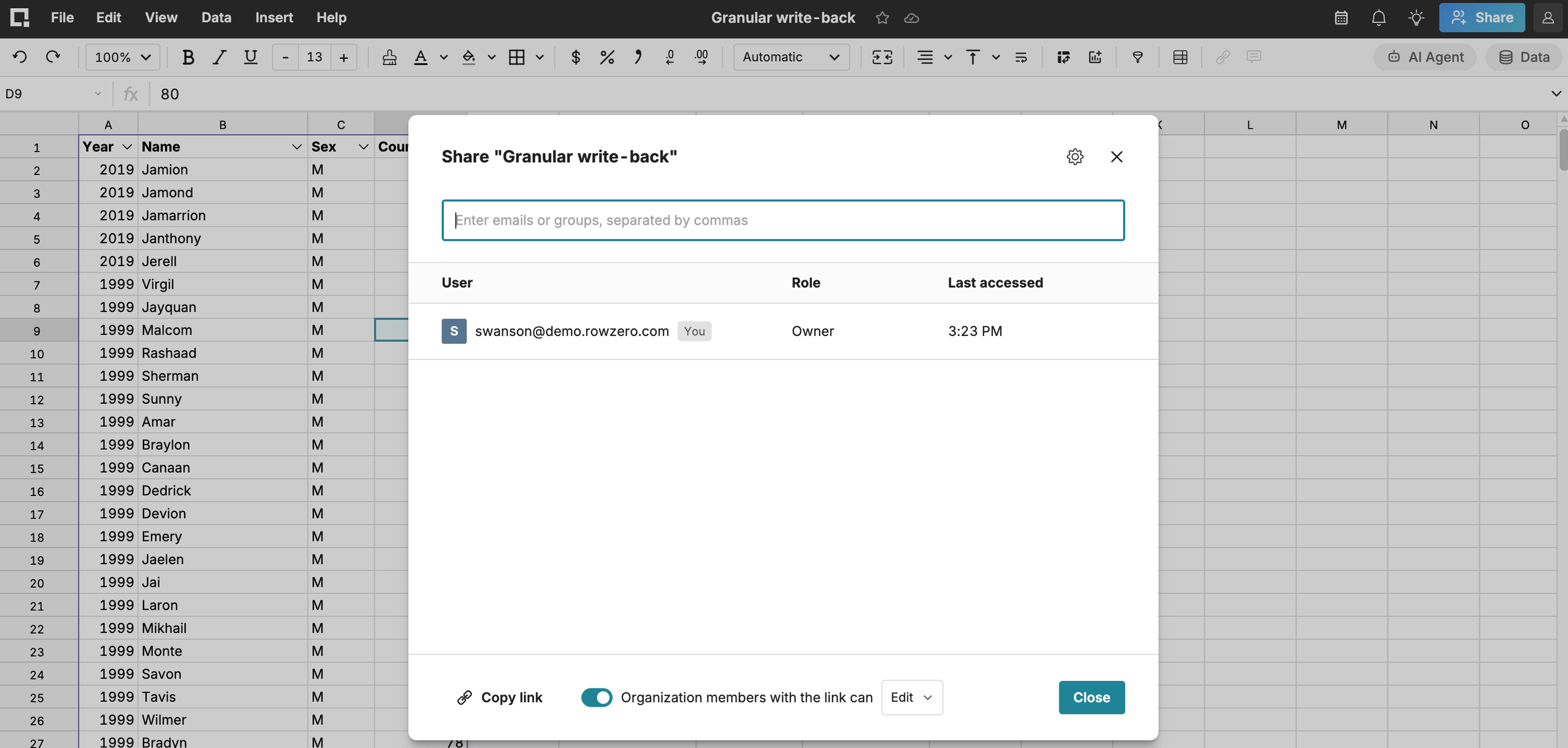
- Edit cells directly. Type new values into any non-key column. Changed cells are highlighted, saved with the workbook, and visible to everyone you share it with.
- Preview the update. Before anything is written, Row Zero compares your changes to the current state of the warehouse table and shows the exact operations it will run.
- Save to the warehouse. Confirm, and Row Zero updates only the changed rows. What you previewed is exactly what gets written.