Spreadsheets often play a critical role in ETL workflows. But as data pipelines have moved to the cloud and grown in scale, the role of spreadsheets in ETL pipelines has evolved.
Historically, file-based Excel ETL workflows were limited in scale, disconnected, and manual. Today, cloud-connected spreadsheets like Row Zero empower teams to build streamlined spreadsheet ETL pipelines for big data workflows.
This guide explains how spreadsheets fit into ETL pipelines, who uses them, and how modern cloud-connected spreadsheets like Row Zero are changing what’s possible.
Table of Contents
- What is an ETL pipeline?
- What role do spreadsheets play in ETL pipelines?
- Who uses spreadsheets in ETL pipelines?
- Limitations of traditional spreadsheets in ETL workflows
- What Row Zero unlocks for ETL pipelines
- The future of spreadsheets in ETL
What Is an ETL Pipeline?
ETL stands for Extract, Transform, Load.
An ETL pipeline is the process used to move and prepare data from source systems into a destination where it can be analyzed or operationalized.
The three stages of ETL
1. Extract
Data is pulled from source systems such as:
- Databases (Postgres, Oracle)
- Data warehouses (Snowflake, Databricks, Redshift)
- SaaS tools (Salesforce, HubSpot)
- Files (CSV, JSON, logs)
2. Transform
Raw data is cleaned, joined, reshaped, and enriched so it can be used. Common transformations include:
- Removing duplicates
- Standardizing formats
- Joining datasets
- Calculating metrics
- Applying business logic
3. Load
The prepared data is loaded into a destination:
- Data warehouse or lake
- BI tool
- Application database
- Operational dashboard
ETL pipelines power reporting, analytics, machine learning, and operational decision-making across modern organizations, and connected spreadsheets play a role at each ETL stage.
What Role Do Spreadsheets Play in ETL Pipelines?
Even in highly automated data stacks, spreadsheets remain a critical layer in ETL workflows. Spreadsheets primarily act as the human-friendly interface where teams review, validate, enrich, and operationalize data.
Common roles spreadsheets play in ETL pipelines
Data validation and QA
Teams often export or query data into a spreadsheet to:
- Surface and resolve quality control flags
- Spot anomalies
- Validate transformations
- Check business logic
- Reconcile numbers across systems
Transformation and enrichment
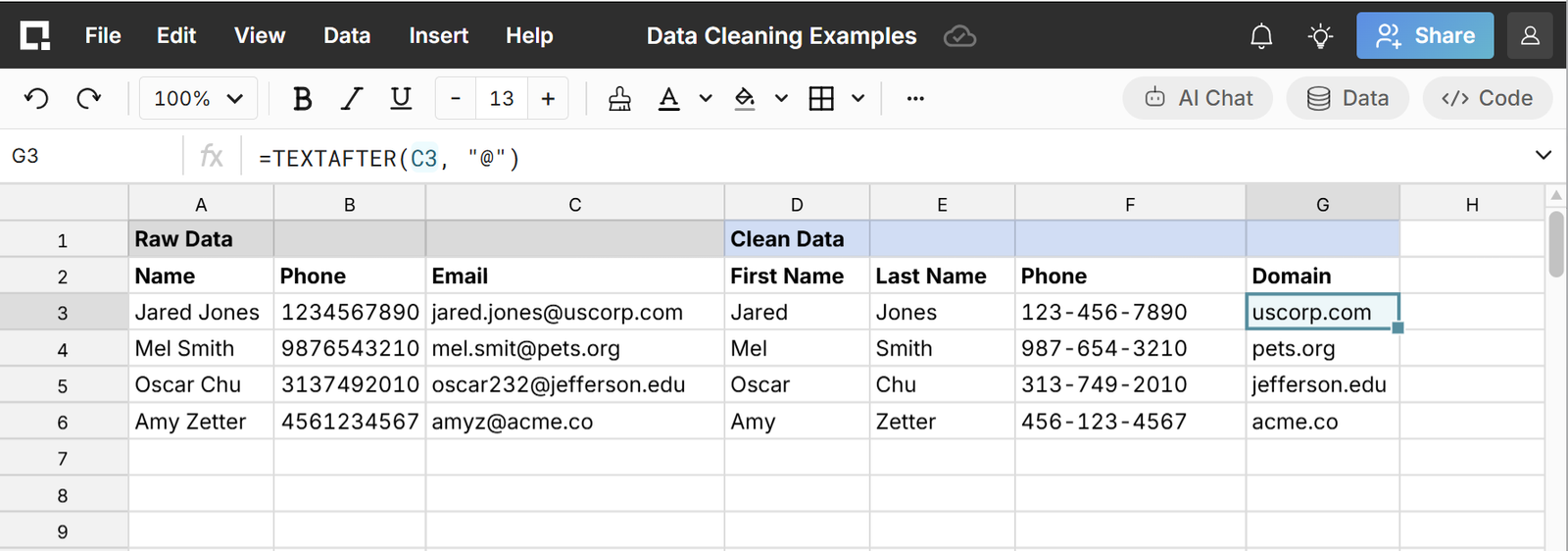
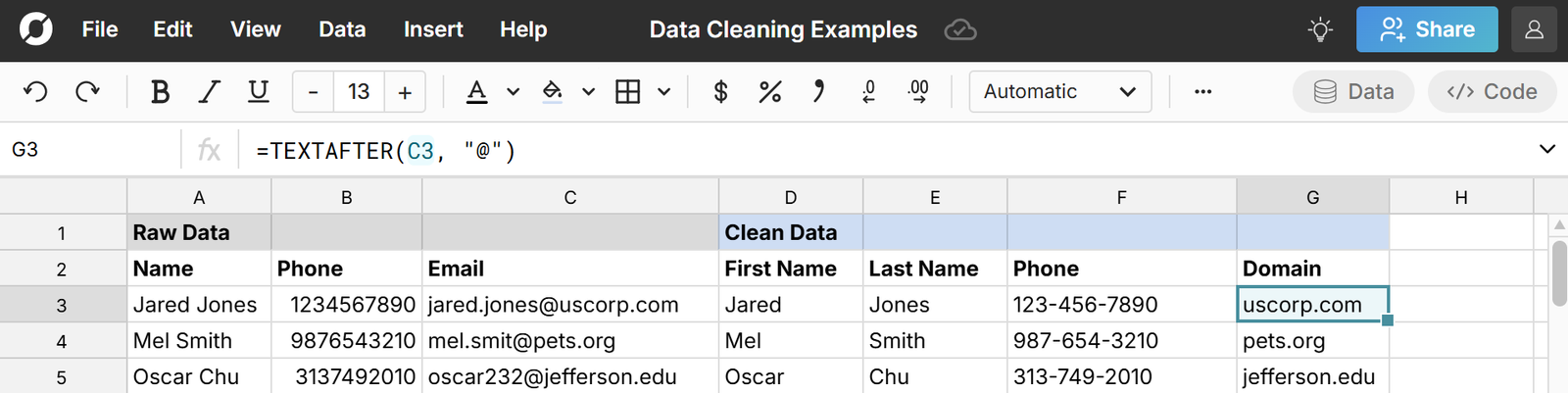
Some transformations are easier to perform in a spreadsheet, especially for non-technical users:
- Adding business context
- Data cleanup
- Manual categorization
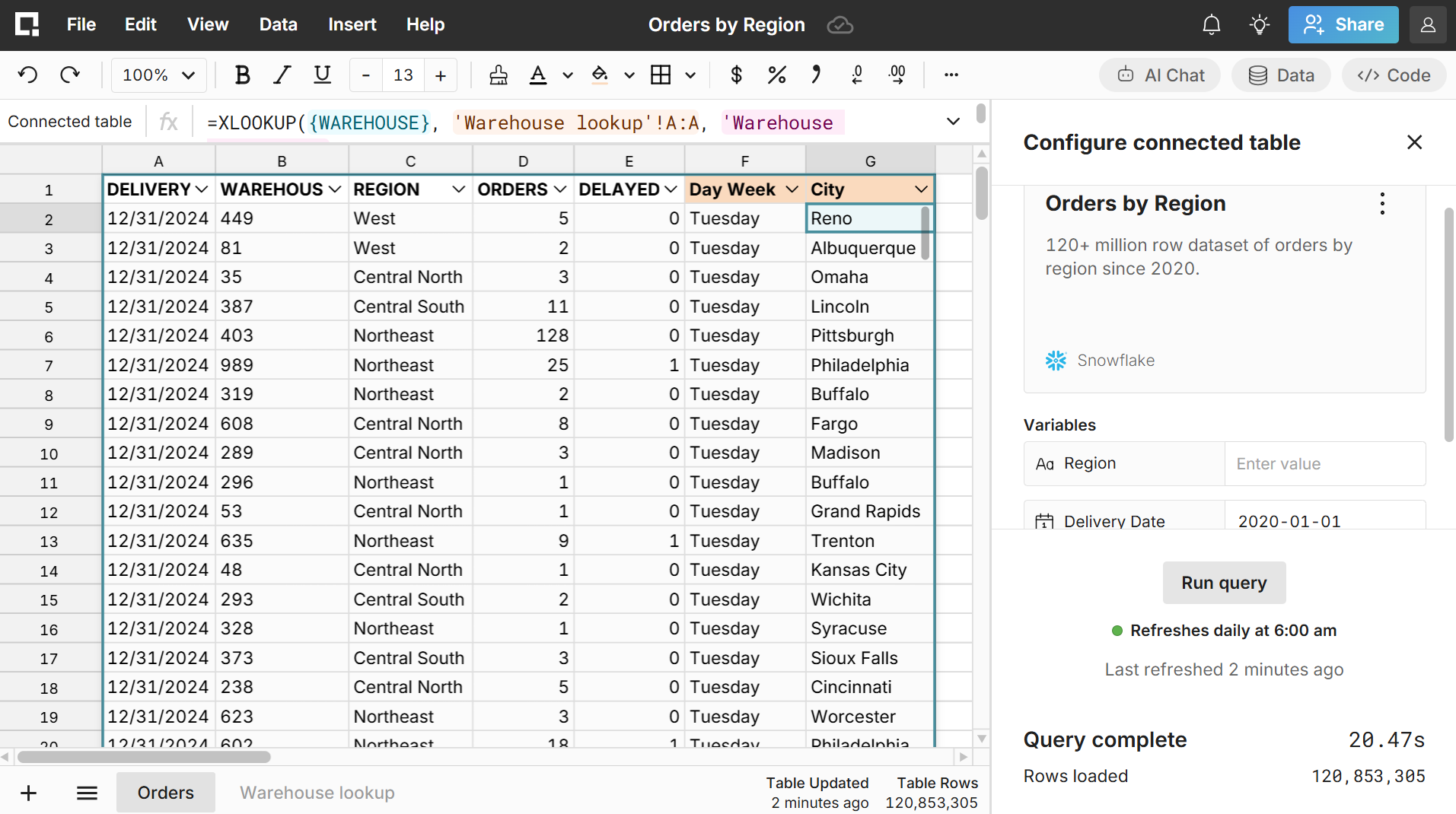
- Mapping tables and enriching data
- Scenario modeling
ETLs are sometimes the end result of operationalizing data wrangling and cleanup.
Operational decision-making
Spreadsheets often act as the operational analytics interface for ETL pipelines and are used to:
- Review pipeline outputs
- Build operational reports
- Trigger downstream actions
- Share data across teams
Collaboration layer
Spreadsheets provide a familiar interface where non-technical users can interact with data pipelines without writing SQL or code. Having business and operations teams act on no-code ETL pipelines in spreadsheets is very common and in many organizations, the spreadsheet is the most used layer of the data pipeline.
Who Uses Spreadsheets in ETL Pipelines?
Spreadsheets in ETL workflows are used by a wide range of roles across both technical and non-technical users:
Data teams
- Data analysts
- Analytics engineers
- Data scientists
- BI developers
Data teams use spreadsheets to validate transformations, explore datasets, and share outputs with non-technical users.
Business teams
- Finance
- RevOps
- Marketing
- Operations
- Customer success
Business teams use outputs from spreadsheet ETL pipelines to make decisions and run the business. Spreadsheets also enable no-code ETL workflows for these users to add business context and cleanup data.
Consultants and operators
Consultants and operators often rely on spreadsheets as the interface for client or operational data flowing through ETL pipelines.
While these are some common teams and use cases, ETL spreadsheet workflows appear across a wide variety of teams and industires. In particular, spreadsheets are a vector to add real-world business context and data to recurring data pipelines.
Limitations of Traditional Spreadsheets in ETL Workflows
While spreadsheet ETL workflows in Excel and Google Sheets are very common, these legacy spreadsheets were not designed for the scale of modern data pipelines.
1. Scale limitations
Traditional spreadsheets like Excel have data size limits and struggle with:
- Millions of rows
- Large CSV/JSON files
- Warehouse-scale datasets
- Frequent refreshes
This often forces teams to sample data instead of working with full datasets or to rely on file-based ETL workflows instead of automated ETL pipelines.
2. Static data
Many Excel ETL workflows rely on:
- CSV exports
- Manual uploads
- Versioned files
File-based ETL workflows make it challenging to automate ETL pipelines and data quickly becomes outdated and out-of-sync with the rest of the data pipeline.
3. Security risks
Exporting CSVs of data into legacy spreadsheets can create security risks including:
- Sensitive data stored locally
- Uncontrolled sharing and data leakage
- Lack of auditability
- Broken governance policies
4. Fragile workflows
Manual spreadsheet steps in an ETL pipeline can introduce:
- Errors
- Broken formulas
- Version conflicts
- Untracked changes
This creates reliability issues inside ETL processes. Essentially every manual intervention and every store of data (e.g. a file on your computer) creates risk and inefficiency in ETL pipelines, so teams should strive to automate ETL workflows as much as possible. Connected spreadsheets like Row Zero can dramatically improve security and increase efficiency by solving these core issues.
What Row Zero Unlocks for ETL Pipelines
Modern cloud-connected spreadsheets transform the role of spreadsheets in ETL workflows. Row Zero brings the spreadsheet directly into the modern data stack by matching the scale, security, and connectivity of modern cloud data tools.
1. Work with full-scale data
Row Zero supports datasets far beyond traditional spreadsheet limits:
- Millions to billions of rows
- Large CSV, parquet files, JSONL, .gz, etc.
- Warehouse-scale analysis
Teams can work with complete datasets and live production data instead of samples or split files.
2. Live connection to data sources
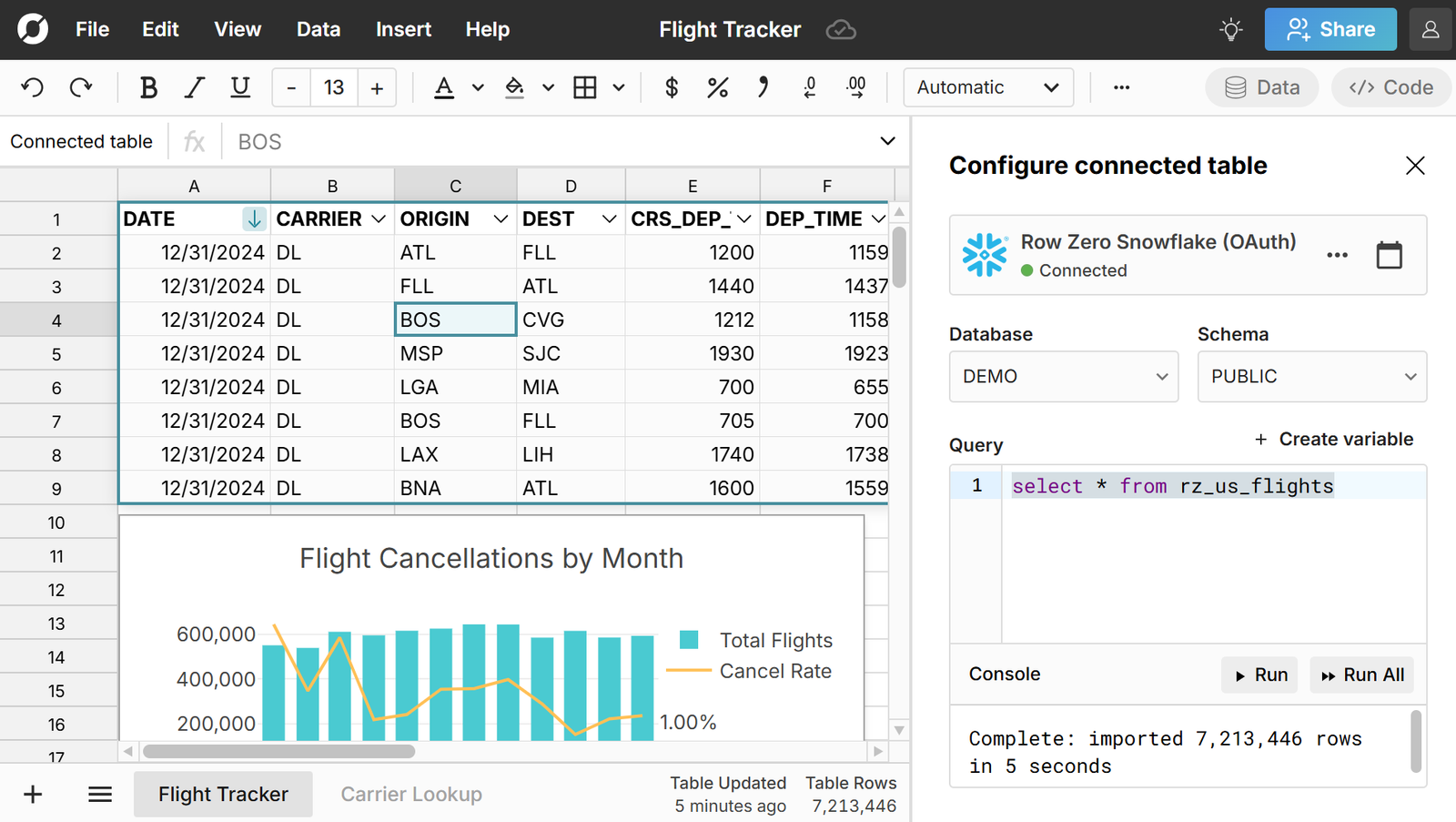
Instead of static imports and exports, spreadsheets connect directly to both source and destination data sources like Snowflake, Databricks, Postgres, S3, and more to :
- Query live data with SQL
- Create refreshable no-code data sources
- Auto-refresh as pipelines update
- Write back to databases and warehouses
This keeps spreadsheets fully integrated into ETL workflows and makes it possible to automate spreadsheet ETL pipelines.
3. Secure and governed workflows
Row Zero enables secure spreadsheet use inside enterprise ETL pipelines, offering:
- Governed data access: spreadsheets and data are only accessible to authorized users on company logins via SSO and OAuth. Row-level security and role-based access controls are enforced.
- Full-featured spreadsheet: Teams can leverage full spreadsheet functionality (functions, pivot tables, charts, etc.), so all transformations are contained to the governed, cloud environment.
- Data stays locked in the cloud: restrict data export, external sharing, and copy/paste.
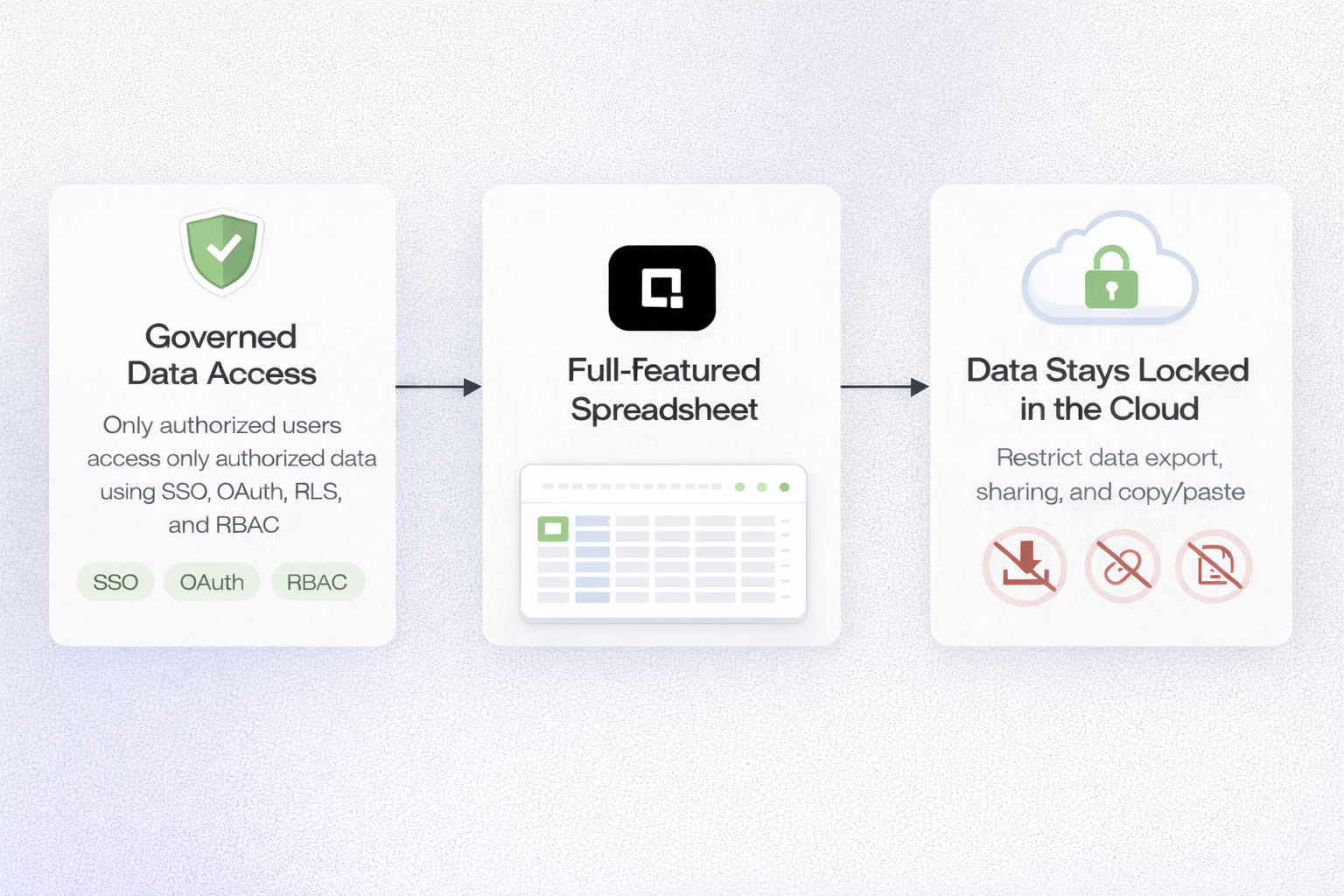
Row Zero’s enterprise security features ensure data governance policies remain intact while teams use spreadsheets.
4. Familiar spreadsheet experience
Despite its scale and connectivity, Row Zero remains a true spreadsheet:
- Familiar formulas and functions
- Pivot tables and filters
- Lookups and modeling
- Collaborative editing
- Easy access to the data you need
This allows business users to work directly with pipeline data without engineering support.
5. Operational layer for modern data stacks
With Row Zero, spreadsheets can extract, transform, and load massive cloud data flows, enabling the spreadsheet to act as the key interface to transform, validate, and operationalize data. Row Zero keeps spreadsheets seamlessly and securely connected to the data pipeline.
The Future of Spreadsheets in ETL
As more data transitions to the cloud and data volumes increase, modern cloud spreadsheets like Row Zero are becoming central to ETL pipelines. Enterprises need advanced scale, security, and connectivity, but still require the flexibility and accessibility of spreadsheets.
Row Zero bridges the gap between technical data infrastructure and business users. Instead of exporting static data out of pipelines into fragile files, teams can now work directly on live data inside a secure, scalable spreadsheet environment. Non-technical users can automate data transformations at scale and leverage AI in spreadsheets to amplify their impact. You can try Row Zero for free to see how scalable connected spreadsheet can significantly improve your data workflows and make big data accessible to the entire org.