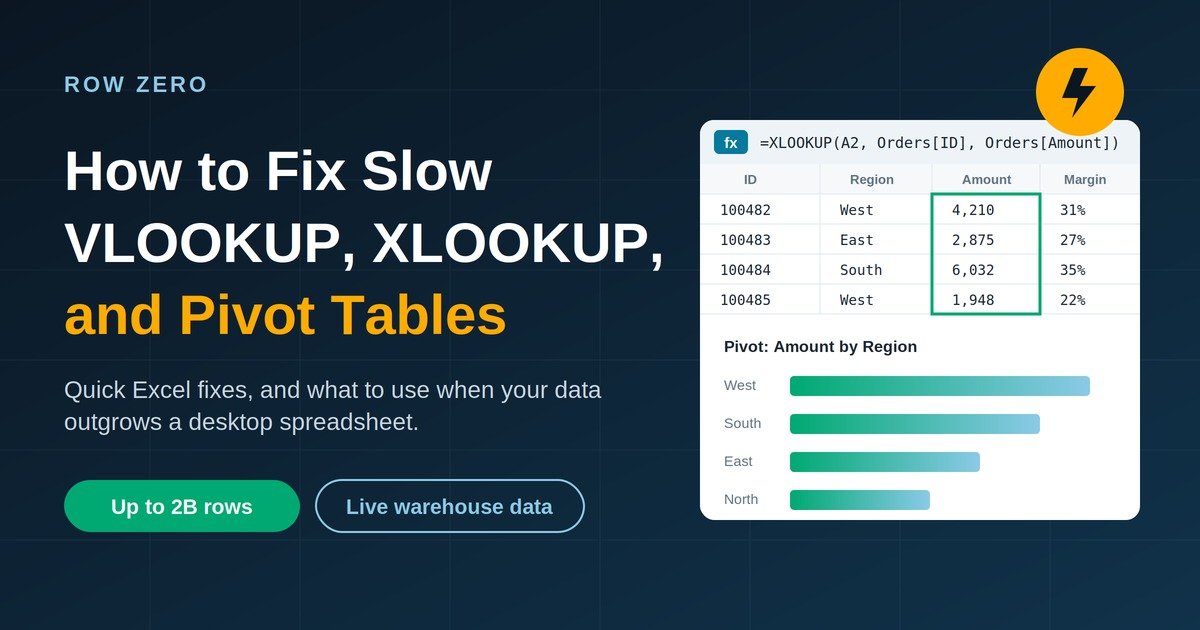
Excel slows down or crashes on large datasets because every lookup, pivot cache, and recalculation runs on one laptop's CPU and RAM, inside a hard 1,048,576-row worksheet limit. The most reliable fix is to stop moving data into Excel. Row Zero runs Excel-compatible formulas and pivot tables in the cloud on up to 2 billion rows, more than 1,000x Excel's limit, connected live to Databricks, Snowflake, BigQuery, and Amazon Redshift.
Short answer: If your workbook is under a few hundred thousand rows, tune it (the Excel fixes are below). If you are splitting files, waiting minutes on recalculation, or exporting CSVs from a warehouse every week, you have outgrown a desktop spreadsheet. A connected cloud spreadsheet like Row Zero fixes this.
Row Zero vs. Excel vs. Google Sheets vs. BI tools for large-data analysis
| Capability | Row Zero | Excel | Google Sheets | Power BI | Sigma |
|---|---|---|---|---|---|
| Live warehouse connectivity | Native connectors: Databricks, Snowflake, BigQuery, Redshift, Postgres, and more; S3 file import (CSV, Parquet, JSONL, XLSX) | Add-ins, Power Query, or CSV exports | Connected Sheets (BigQuery), add-ons, CSV | Yes, for dashboards | Yes |
| Lookups and pivots at scale | Excel-compatible VLOOKUP, XLOOKUP, SUMIF, and pivots on full tables | Slows with large ranges and long dependency chains | Slows well before the cell cap | Measures and visuals, not cell formulas | Spreadsheet-like formulas; needs data-team setup |
| Governance and security | Inherits warehouse RLS/RBAC via OAuth; Enterprise export and copy restrictions; SOC 2 Type II, HIPAA (with BAA), GDPR | Governance ends at the download | Sharing-based controls | Governed in-tool; users still export to Excel | Governed in-tool; users often export to finish analysis |
| AI capabilities | AI agent builds editable formulas, pivots, and charts; Databricks Genie integration; BYOK model choice; zero data retention | Copilot on the open file | Gemini on the open file | Copilot / Agentforce for analytics | AI features in BI context |
Why does Excel get slow or crash on large datasets?
Excel is a very good modeling tool, but it was designed around a local workbook. At scale, the problem is rarely just one formula. It is several bottlenecks stacking on one machine:
- Memory pressure and disk paging: When Excel runs out of physical RAM, Windows pages data to disk. Microsoft lists insufficient RAM and paging as major causes of slow calculation. 32-bit Excel is also capped at about 2 GB of virtual memory.
- Repeated lookup scans: A VLOOKUP or XLOOKUP copied down a million rows can scan a large range on every row. Whole-column references like A:A make it worse.
- Pivot cache duplication: A PivotTable keeps its own in-memory copy of the source data. Several pivots on different caches multiply memory use.
- Dependency chains and single-threaded functions: Excel recalculates on multiple threads, but long dependency chains, VBA UDFs, INDIRECT, GETPIVOTDATA, and What-If Data Tables limit parallelism or run single-threaded.
- The 1,048,576-row ceiling: Once data passes the row limit, teams split files, pre-aggregate, or sample. That adds manual steps and loses detail.
Is XLOOKUP faster than VLOOKUP on large data?
Not always. Microsoft optimized exact-match VLOOKUP, HLOOKUP, and MATCH to build and reuse an internal index when many formulas share the same table range. Many separate XLOOKUP formulas over large unbounded ranges can be slower. XLOOKUP is more flexible, but flexibility does not make it faster. On sorted keys, XLOOKUP's binary search mode (search_mode = 2) can be much faster.
Does Google Sheets handle millions of rows better?
Only up to a point. Since September 2026, Google Sheets supports up to 20 million cells per spreadsheet, up from 10 million. That cap counts every cell across all tabs: 1 million rows × 20 columns uses all of it. Sheets often slows down well before the limit when a sheet uses formulas, pivots, or IMPORTRANGE.
How do I speed up a slow Excel workbook? (Quick fixes)
Try these first if your data still fits in Excel:
- Bound your ranges: Use $A$2:$E$500000 or an Excel Table such as Data[ID] instead of whole columns.
- Return many columns with one lookup: =XLOOKUP(A2, Data[ID], Data[[Name]:[Amount]]) spills several columns from one search.
- Match once, reuse many times: Compute =XMATCH(A2, Data[ID], 0) once, then use INDEX for each column.
- Sort and use binary search: =XLOOKUP(A2, Data[ID], Data[Amount], "", 0, 2). This only works if the key is truly sorted.
- Move joins upstream: Use Power Query or Power Pivot/Data Model for joins and aggregations instead of millions of worksheet formulas.
- Run 64-bit Excel and check multithreading: File → Options → Formulas → Enable multi-threaded calculation.
If you have done all of this and still wait on recalculation, the problem is the architecture, not your formulas.
How does Row Zero make VLOOKUP and pivot tables fast at warehouse scale?
Row Zero keeps the spreadsheet interface and replaces the desktop calculation engine with a cloud compute:
- Cloud compute, not your laptop: Workbooks run on cloud resources sized to the data. Nothing gets downloaded to a local file.
- Hash-based lookups and parallel execution: Row Zero's engine uses cheaper hash keys, parallelism, memory locality, dependency-graph (DAG) optimization, and static analysis. In Row Zero's published benchmark on a 31-million-row workbook with a pivot, COUNTIF, SUM, and a chart, total recalculation took under half a second.
- Smart recalculation: The dependency graph recalculates only the cells affected by a change, so one edit doesn't trigger a full rebuild.
- SQL in the warehouse, formulas in the sheet: A connected table runs your SQL query in Databricks, Snowflake, BigQuery, or Redshift, and Row Zero loads the result. Put heavy joins and GROUP BYs in that query, then build formulas and pivots on the result.
- Python next to formulas: A built-in Python code window supports pandas, polars, pyarrow (Apache Arrow), and DuckDB. You can call your own functions from cells, like =my_function(A1:D100).
How does a connected spreadsheet eliminate the "context tax" of CSV exports?
Every warehouse-to-Excel export adds a context tax. The copy goes stale the moment it's saved, it loses lineage, and access controls don't follow the download. Spreadsheets become the largest unmanaged data store in the company. A connected spreadsheet removes the export:
- Live, refreshable data: Connected tables refresh on demand, or on a schedule on Business and Enterprise plans, and dependent formulas, pivots, and charts update with them.
- Governance that follows the user: With OAuth, Row Zero queries run as the signed-in user and respect Databricks Unity Catalog or Snowflake permissions, including row-level security (RLS) and role-based access control (RBAC).
- Controlled sharing and exports: On Enterprise plans, admins can restrict CSV export, downloads, sharing, and copy/paste. They can also enforce SSO (SAML or OIDC) and SCIM, use Private Link, and region-lock data.
- Compliance posture: Row Zero is SOC 2 Type II certified and HIPAA and GDPR compliant. A Business Associate Agreement is available on applicable enterprise tiers.
How does governed AI analysis work in a spreadsheet?
AI analysis is only trustworthy when it runs on live, governed data and produces work people can check. In Row Zero:
- Governed queries via Databricks Genie: Genie turns a natural-language question into a permission-aware query that uses your Unity Catalog definitions. The results land in Row Zero as a connected table.
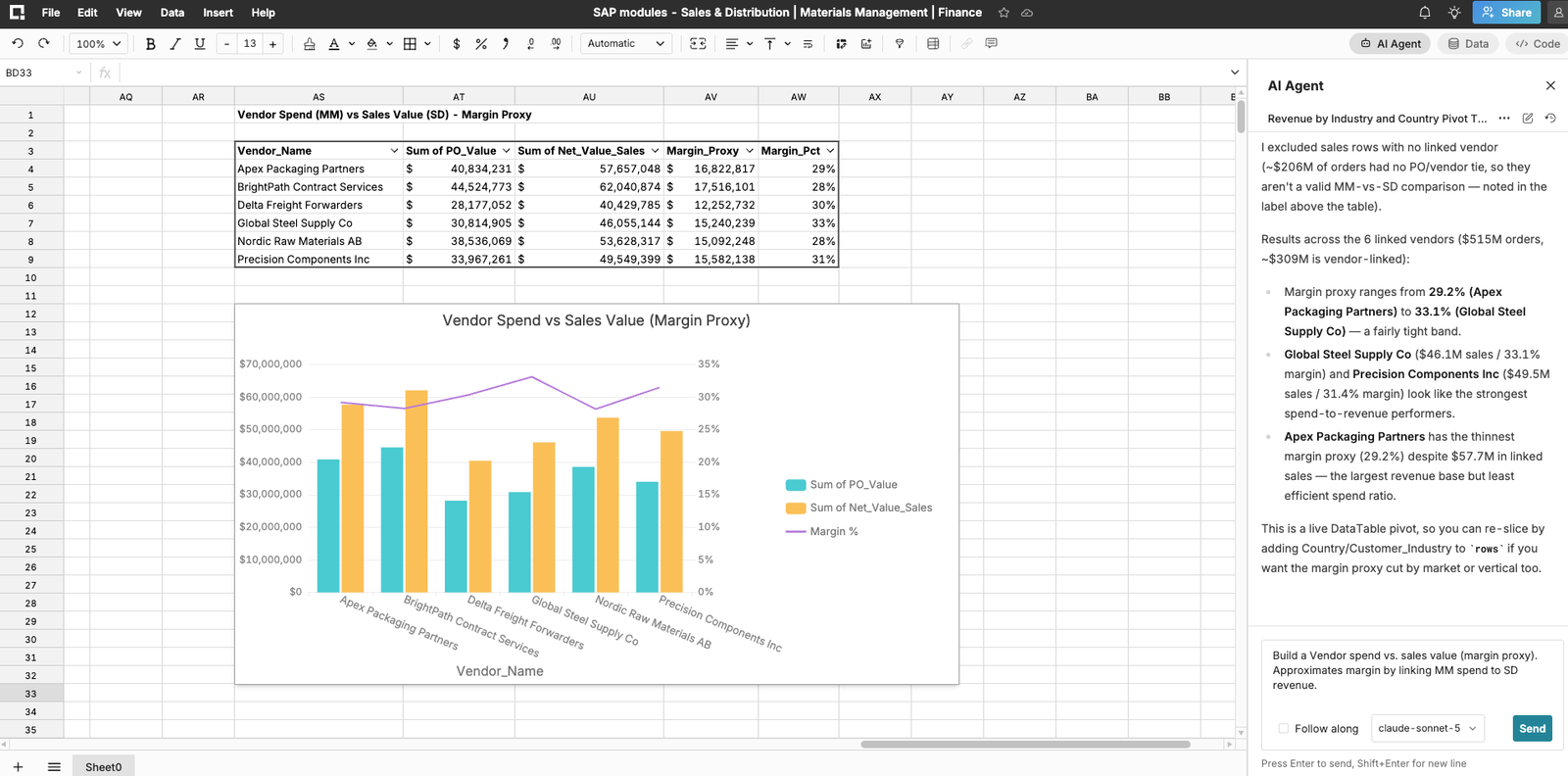
- Editable, auditable output: Row Zero's AI agent builds real formulas, pivots, and charts instead of opaque answers, so analysts can inspect and change every step.
- Admin-controlled models (BYOK): Enterprise admins bring their own key for Anthropic, OpenAI, Gemini, AWS Bedrock, or Databricks and choose the allowed models.
- Zero data retention: Prompts, data, and outputs aren't used to train models. Spreadsheet content isn't stored beyond the active session.
Step-by-step: Replace a slow Excel VLOOKUP model with Row Zero
- Connect your warehouse. In Row Zero, add a connection to Databricks (AWS, Azure, or GCP; OAuth recommended), Snowflake (key-pair or OAuth), BigQuery, or Amazon Redshift. For files, import CSV, TSV, Parquet, JSONL, XLSX, or GZ directly from Amazon S3.
- Pull in the full table, not a sample. Pick a table or write SQL to create a connected table. You can also ask Databricks Genie a question in plain English and get the governed result as a connected table.
- Rebuild your lookups with the same formulas. Use the VLOOKUP, XLOOKUP, INDEX/MATCH, and SUMIF syntax you already know, now across tens of millions of rows instead of a split file.
- Build pivot tables on the full dataset. Group and aggregate without pre-aggregating in SQL first. Charts and summary cells update with the pivot.
- Add custom logic in Python if needed. Write a pandas or polars function in the code window and call it from a cell.
- Schedule refreshes. Set connected tables to refresh automatically (Business and Enterprise plans) so the model never runs on stale data.
- Write results back. Select a range or table, right-click, and choose Export to your warehouse. Row Zero writes it as a new rz_-prefixed table (re-exporting replaces it), so downstream pipelines and BI tools can use your forecasts, mappings, or adjustments. Row-level UPDATE/UPSERT write-back is on the roadmap.
- Set sharing and export policies. Share the workbook with colleagues under your organization's governance rules instead of emailing an .xlsx.
When is Excel enough, and when do you need Row Zero?
Most teams will keep both. The right tool depends on the job:
| Situation | Best fit |
|---|---|
| Under ~100K rows, personal models, offline work | Excel or Google Sheets |
| Heavy dependence on specific Excel add-ins or VBA macros | Excel (Row Zero is still closing the add-in gap) |
| Tight Google Workspace collaboration (Slides, Docs) on small data | Google Sheets |
| Executive dashboards consumed by many viewers | Power BI, Tableau, or Databricks AI/BI |
| Data over 1M rows, files being split, or recalculation taking minutes | Row Zero |
| Weekly CSV exports from Databricks, Snowflake, BigQuery, or Redshift | Row Zero (connected tables) |
| Regulated data (PHI, PII, financials) that shouldn't sit in local files | Row Zero (inherited RLS/RBAC, export controls, SOC 2, HIPAA) |
| AI-assisted analysis that must be auditable and permission-aware | Row Zero with Databricks Genie |
Excel usually crashes on large files because it runs out of memory. Every row, pivot cache, and formula result has to fit in local RAM, and when it doesn't, Windows pages to disk and Excel stops responding. Whole-column references, duplicate pivot caches, and 32-bit Excel make this worse. Cloud spreadsheets like Row Zero avoid it by running calculations on cloud compute instead of your laptop.
To run a VLOOKUP on more than about one million rows, you need a tool without Excel's 1,048,576-row limit. Row Zero supports standard VLOOKUP and XLOOKUP syntax on up to 2 billion rows and uses hash-based lookups and parallel cloud compute. Inside Excel, the closest options are joining in Power Query or Power Pivot, or bounding ranges and using sorted binary-search XLOOKUP.
XLOOKUP can be slower than VLOOKUP in large workbooks. Microsoft built special index caching for exact-match VLOOKUP and MATCH when many formulas share one table range. To speed up XLOOKUP, restrict ranges, return several columns with one formula, reuse XMATCH results, or use binary search on sorted keys. Once data passes one million rows, a cloud spreadsheet such as Row Zero is the more scalable option.
Yes. Row Zero connects natively to Databricks on AWS, Azure, and GCP through OAuth or personal access tokens. With OAuth, queries run as the signed-in user and enforce Unity Catalog permissions, including row-level security. You can query tables into connected spreadsheet tables, ask Databricks Genie questions in natural language, schedule refreshes, and write results back without any CSV exports.
It can be, if the spreadsheet inherits your warehouse governance. Row Zero is SOC 2 Type II certified and HIPAA and GDPR compliant, and a BAA is available on enterprise tiers. With OAuth, it enforces each user's warehouse RLS and RBAC, and Enterprise plans add export, copy/paste, and sharing restrictions. Its AI features use zero data retention and admin-controlled BYOK model providers.